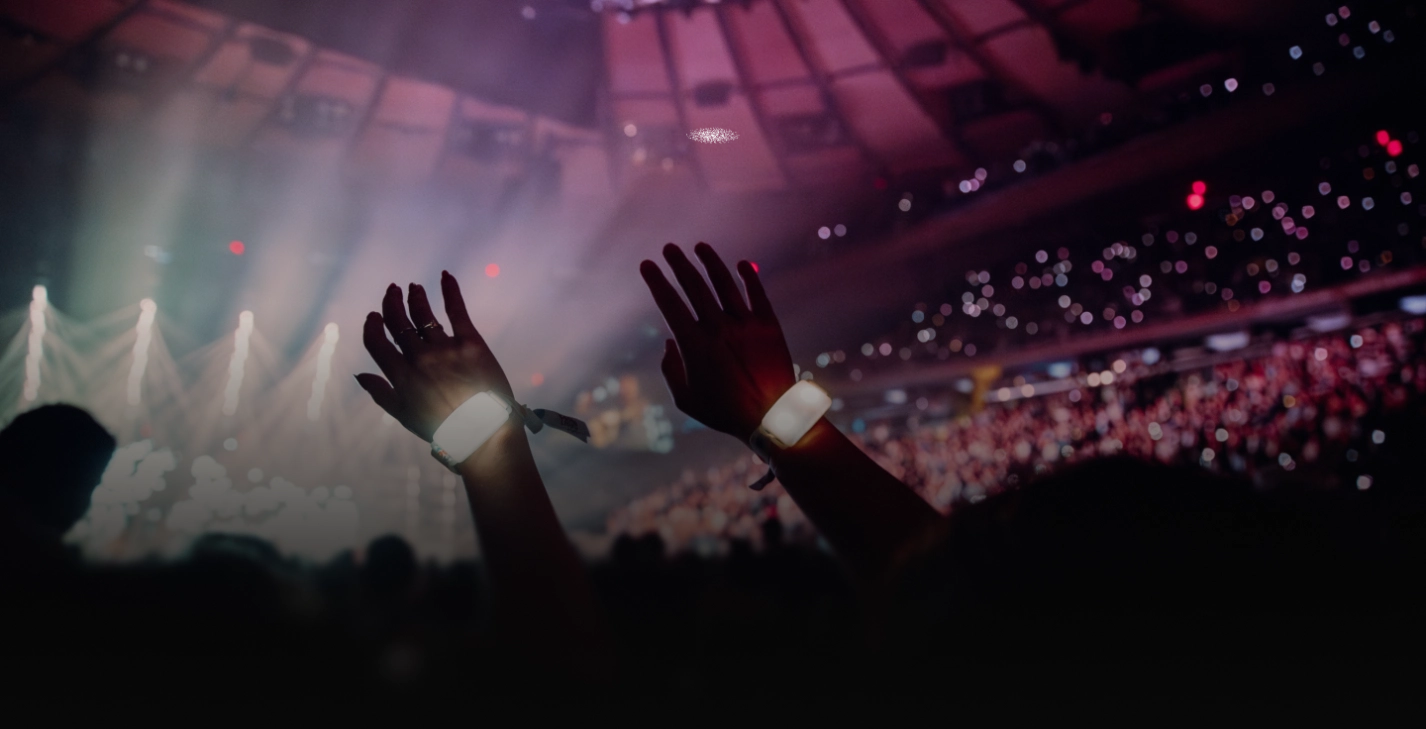

Raised hands wearing glowing wristbands.
Text 'POWERED BY' followed by a blue circular loading icon and the word 'crowdpass' with 'pass' in bold.

Integrate with CrowdPass NFC Technology

Pair your CrowdSync wearable with CrowdPass event software for seamless access control, data capture and real time analytics
Get a quote today
Wristbands
Wearables that work smarter for you
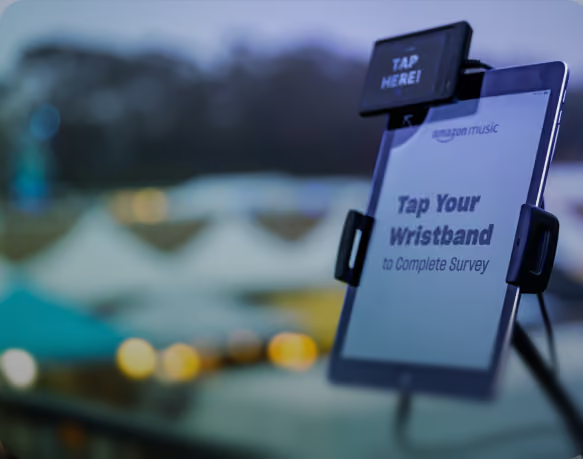
Electronic display screen with a black device above it showing 'TAP HERE!' and text on the screen reading 'Tap Your Wristband to Complete Survey', with a blurred background of outdoor tents and lights.
Enhance Insights
  • See peak times for check-in
  • Understand what artists/performer were most popular
  • Determine which areas to place concessions, booths and more
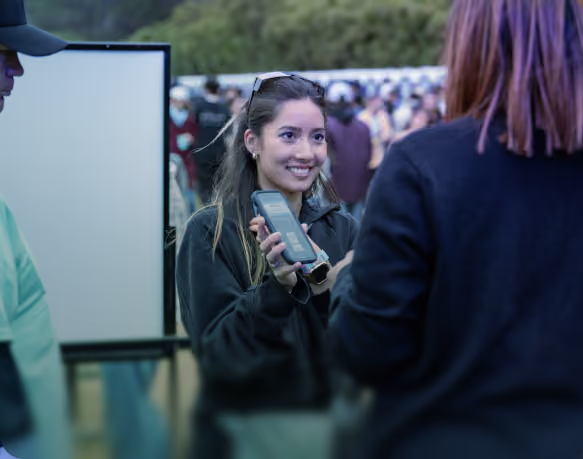
A smiling woman holding a smartphone and showing its screen to another person during an outdoor event with a crowd.
Eliminate Fraud
  • NFC wearables cannot be duplicated
  • Quick deactivation of any misplaced wristbands
  • No pass-alongs of wristbands possible
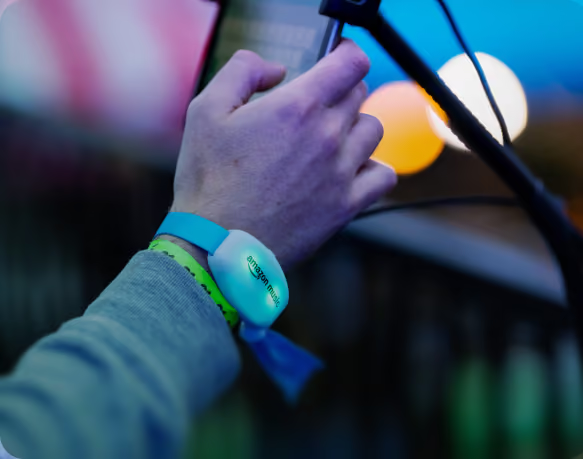
Close-up of a person’s hand holding a microphone with a wristband that has an Amazon Music tag, set against colorful background lights.
Increase Engagement
  • NFC allows for seamless integration of brand engagements
  • Effortless for attendees and super quick
  • Quick tap to access certain event attractions & interact with sponsors/vendors
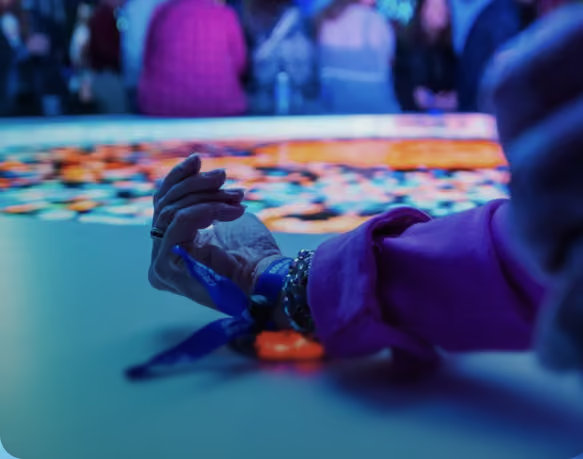
Close-up of a hand with a blue wristband reaching toward a table with many colorful poker chips, blurred people in the background.
Reduce Lines
  • Check in attendees into main entries and access points in under one second
  • Streamline VIP activations
White Wi-Fi signal icon with three curved bars increasing in size above a circle.
With both WiFi and Ethernet connection it can be set up quickly in any event environment.
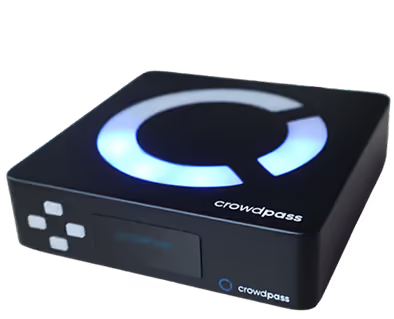
A black electronic device with a glowing blue circular symbol on top and the text 'crowdpass' on the front and top sides.

CrowdReader

The NFC CrowdReader is a versatile access control and activation tap point. Allowing you to easily deploy RFID readers throughout any event areas, with speed and simplicity in mind.
Circle with a smooth diagonal gradient transitioning from aqua green at the bottom left to periwinkle blue at the top right.
High powered LED lights give a Green or Red status indicator after every scan based on an attendee’s access level / credential
10+ hour battery life (use wirelessly)
Quickly sets up to any entry gate or access area
Access
Seamless Check-ins and Access Control
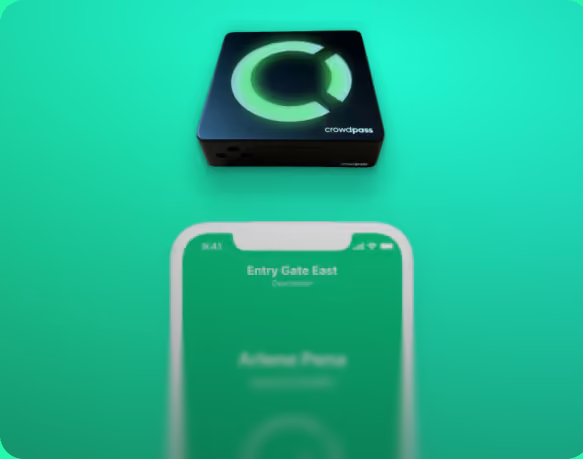
Small black electronic device with a glowing green circular logo and the word crowdpass, above a blurred smartphone screen displaying 'Entry Gate East' on a green background.
If Correct Credential, Access Granted
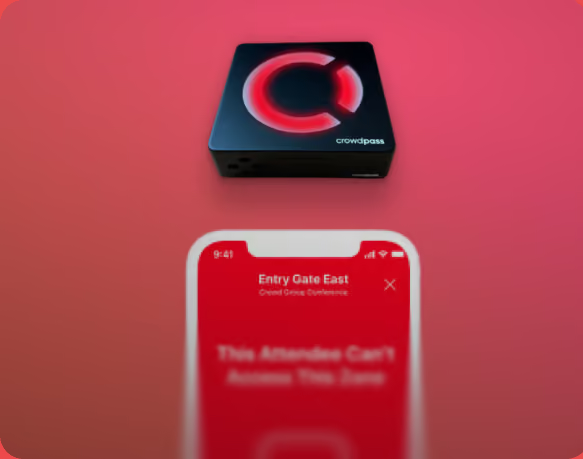
Black square device with a glowing red 'C' logo labeled 'crowdpass' above a smartphone showing a red screen with the message 'Entry Gate East: This Attendee Can't Access This Zone' on a red background.
If Incorrect Credential, Access Denied
With our RFID CrowdReader and Mobile Scanners, average check-in times are 3-4x times faster than standard check-in processes
Circle with a smooth diagonal gradient transitioning from aqua green at the bottom left to periwinkle blue at the top right.
Restrict access to certain ticket levels / groups
Deploy scanners across event areas for enhanced security, data tracking, and activations.
Allow real-time VIP upgrades
Data
Receive High-Level and Area-Specific Data
Navigate various dashboards with deep audience insights to optimize in real time and at future events.
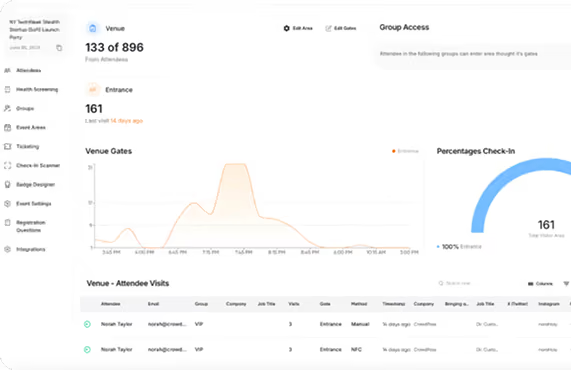
Dashboard overview showing venue attendance with 133 of 896 attendees present, 161 at entrance last visited 14 days ago, a line graph of venue gates usage over time, and a pie chart indicating 100% check-in rate of 161 at entrance; also lists attendee visits with details including name, email, group, company, job title, visits, gate, check-in method, and timestamps.
Circle with a smooth diagonal gradient transitioning from aqua green at the bottom left to periwinkle blue at the top right.
Understand what breakout sessions were most popular
See exact traffic in areas to sell prime real estate to sponsors & vendors for following years/events
Allow real-time VIP upgradesView peak times for check-in/entry
CrowdPass Attendee Registration Process
We make the event registration process easy. 
It only takes a few minutes to complete - why overcomplicate it?
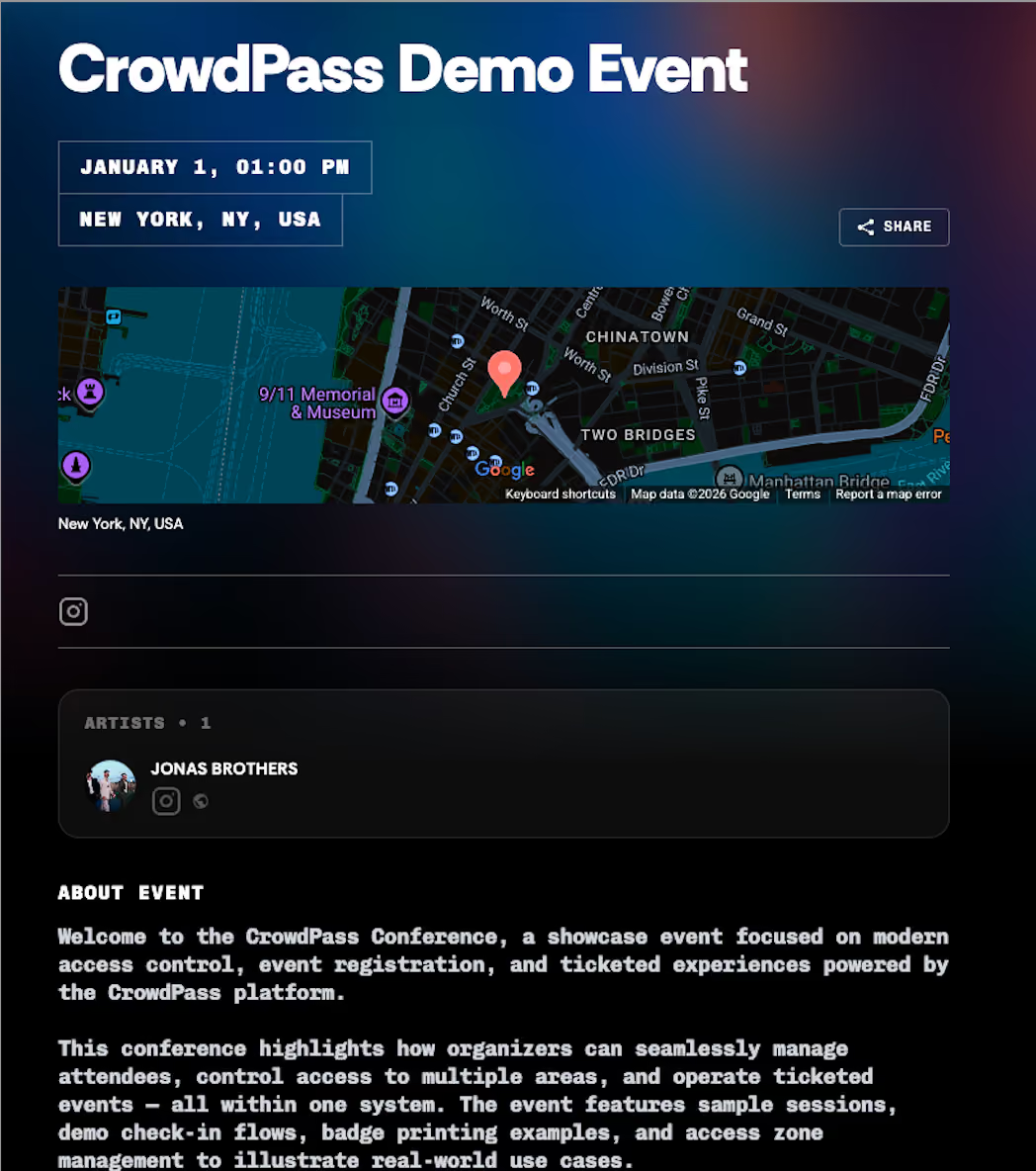
CrowdPass Demo Event information with date January 1, 01:00 PM, location New York, NY, USA, including a map showing part of Chinatown and Two Bridges in New York City, and featured artist Jonas Brothers. The event description highlights the CrowdPass Conference showcasing modern access control, event registration, and ticketed experiences, with examples like sample sessions, demo check-in flows, badge printing, and access zone management.CrowdPass Demo Event details showing date January 1, 1:00 PM, location New York, NY, USA with a small map, artist Jonas Brothers, event description highlighting modern access control, registration, ticketed experiences, and management features, and a colorful concert photo of a crowd with raised hands and stage lights, alongside a 'Get Tickets' button.
Step 1
Receive An Invite
Attendees will receive an invite in their email or text & will click the link to register.
Event registration form titled 'Your Details' with fields for first name, last name, email, phone number with US country code, company, job title, and number of guests set to zero with a maximum of five. A checkbox for agreeing to terms and conditions is unchecked above a large 'CONTINUE' button. To the right is a photo of a large concert crowd with hands raised, colorful stage lights, and a dark cloudy sky.
Step 2
Complete The Form
Attendees complete the form to register for their event.
Registration confirmation screen with a checkmark icon and bold text saying YOU'RE REGISTERED! It informs the user they will receive a confirmation email with event details for the CrowdPass Demo Event scheduled on January 1 at 1:00 PM, and includes a 'BACK TO EVENT' button.
Step 3
Receive a QR Code
Attendees will recieve a QR code and a confirmation email with event details.
Food + BEv merch tokens
Set redeemable tokens for certain access levels or ticket packages. Customize how many tokens attendees receive at different areas or for different items
  • Share a contact with a simple 'tap'
  • Sort contacts into lists to stay organized
  • Export lists to contacts & get networking!
  • Attendees can easily create and manage their digital contact cards all via mobile web browser
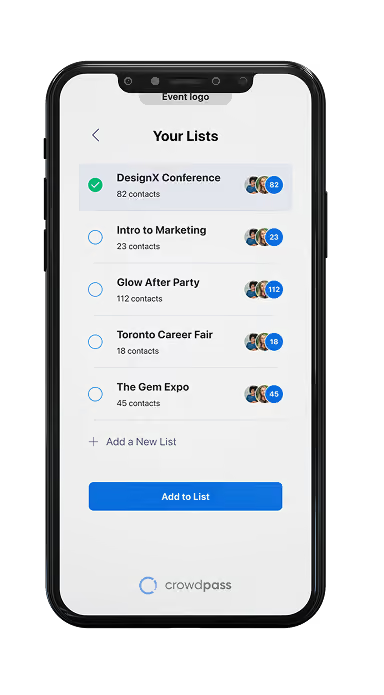
Mobile screen showing a 'Your Lists' interface with different event lists including DesignX Conference, Intro to Marketing, Glow After Party, Toronto Career Fair, and The Gem Expo, each with contact counts and profile icons, and a selected checkbox next to DesignX Conference.
CROWDPAGES
Get a quote
A bold white right-pointing arrow with rounded edges.
Introducing CrowdPages: Turn crowds into consumers.
Five smartphones displaying different promotional contest entry screens against a dark background, offering chances to vote, win Coca-Cola, watch Mt. Joy from side stage, win tickets to a 2024 home match, and win a VIP trip to a live event.
HOW DOES IT WORK?
Custom landing pages & QR code generator to capture attendee data, drive engagement, and improve conversion rates.
A blue and gray QR code.
Step 1
CrowdCode
Attendees scan the QR code.
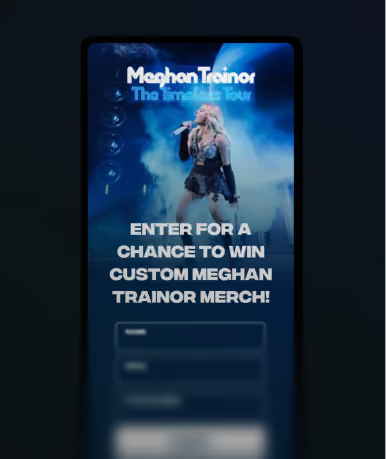
Smartphone screen showing a promotional entry form for a chance to win custom Meghan Trainor merchandise with an image of Meghan Trainor performing on stage, holding a microphone, with blue stage lighting.
Step 2
CrowdPage
Attendees are directed to your custom landing page and fill out the lead capture form.
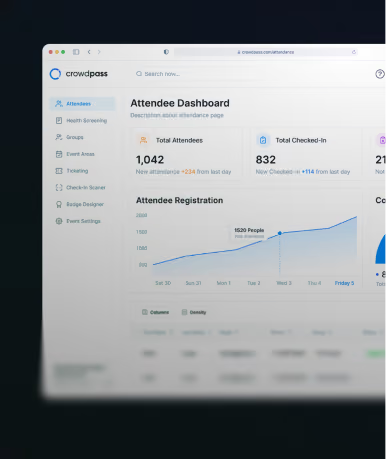
Dashboard screen from Crowdpass showing attendee data including total attendees of 1,042 with new attendees and total checked-in of 832 with new check-ins, plus a line graph of attendee registration over days.
Step 3
CrowdData
Receive your attendees' insights, phone numbers, and email addresses to reengage.
crowdtag products
Our NFC Chips can be incorporated in any of our LED products.
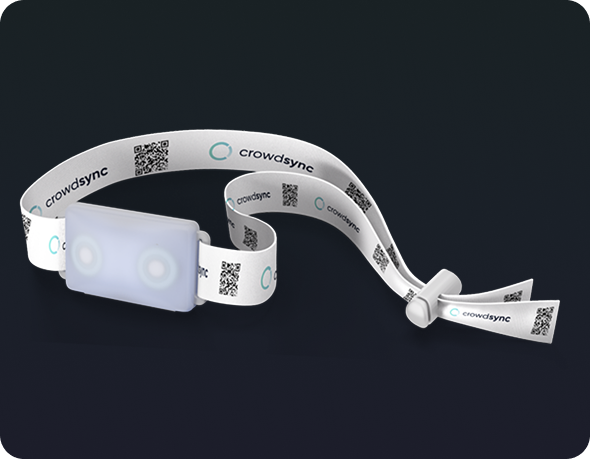
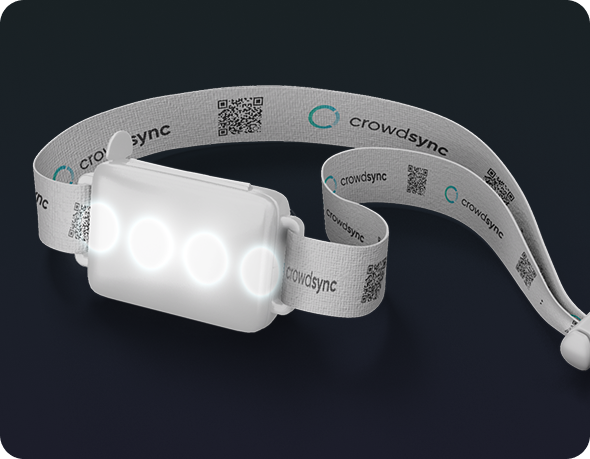
C4 Band

More Info

C5 Band

More Info

UltraBand

More Info

CrowdBand

More Info

Your crowd is waiting...

Get in touch now
Bold black right-pointing arrow icon.